Use Research Specialists
Research specialists give the parent agent a focused second pass for one part of a research task. They run through OpenHands, use the active model connection, and return their result to the parent conversation. Heartwood runs one specialist at a time and keeps the lifecycle, lineage, usage, and final result in the same session used by every interface. Each delegation is a fresh bounded review; ask the parent agent to start another review when the evidence changes.
Available Reviews
| Specialist | Focus | Verified Skills |
|---|---|---|
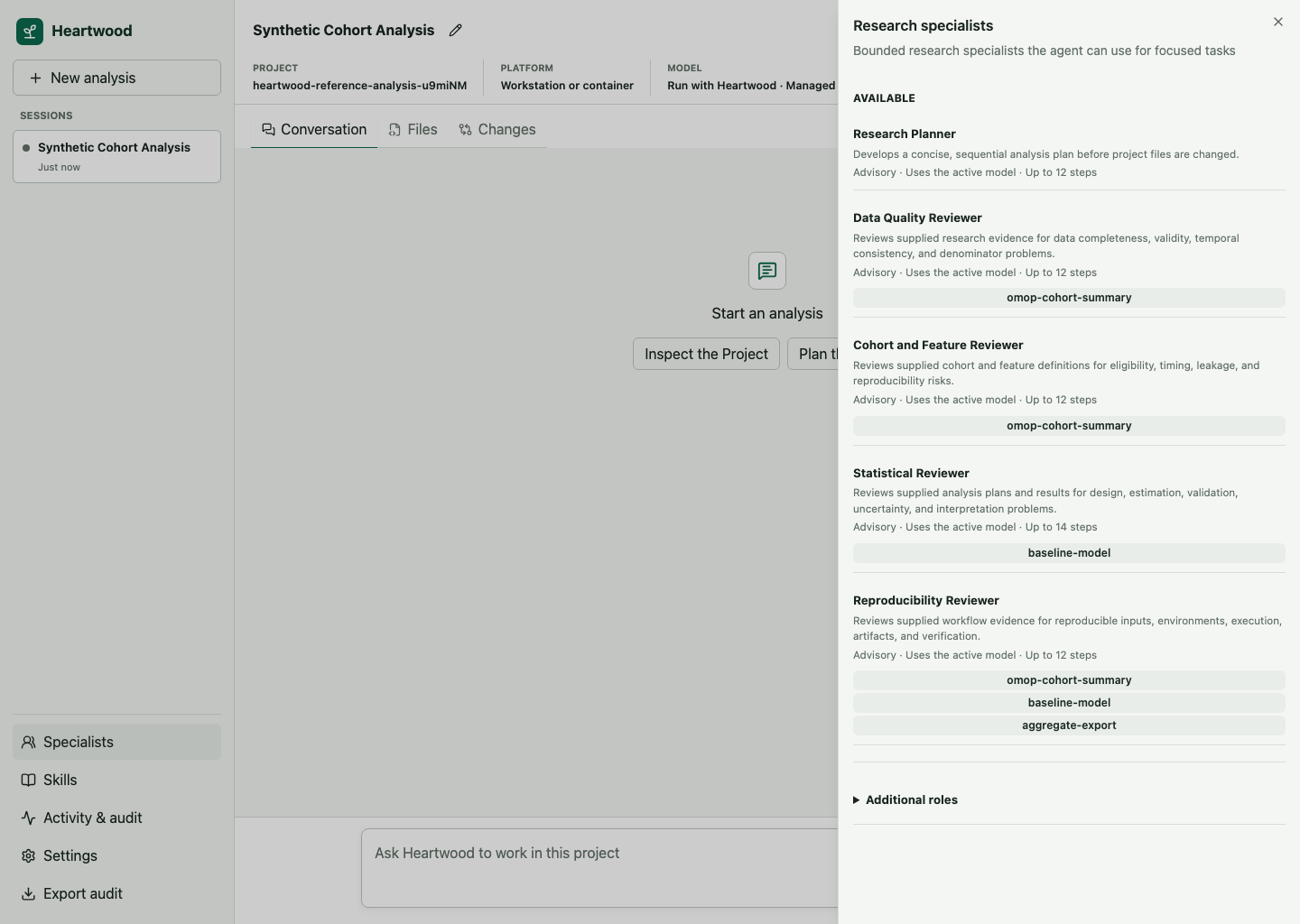
| Research Planner | A sequential plan, assumptions, inputs, checks, and required evidence | None |
| Data Quality Reviewer | Completeness, validity, temporal consistency, duplicates, and denominators | omop-cohort-summary |
| Cohort and Feature Reviewer | Eligibility, timing, censoring, feature construction, and leakage | omop-cohort-summary |
| Statistical Reviewer | Estimands, splits, specification, uncertainty, validation, and interpretation | baseline-model |
| Reproducibility Reviewer | Revisions, environments, parameters, execution, artifacts, and verification | All bundled research Skills |
These roles are advisory. They review only the evidence supplied by the parent agent and cannot inspect files, execute commands, use the network, or change the project themselves. The parent agent remains responsible for proposing any project action through the normal review flow.
Ask for a Specialist Review
Describe the review you want as part of the task:
Before changing files, ask the Research Planner to identify the inputs, assumptions, and verification steps. Then implement only the approved plan and ask the Reproducibility Reviewer to assess the final evidence.
When the parent agent delegates the task, Heartwood presents the OpenHands Task action in the complete pending action set. Review the specialist name and delegated objective before allowing the set. After the specialist finishes, its result returns to the parent agent, which decides how to continue.
Specialist output is model-generated review, not independent scientific validation. Inspect the evidence and apply the same domain, statistical, and reproducibility review required for manually produced work.
Inspect the Catalog
In the terminal, run heartwood specialists before opening a session or enter /specialists inside one.
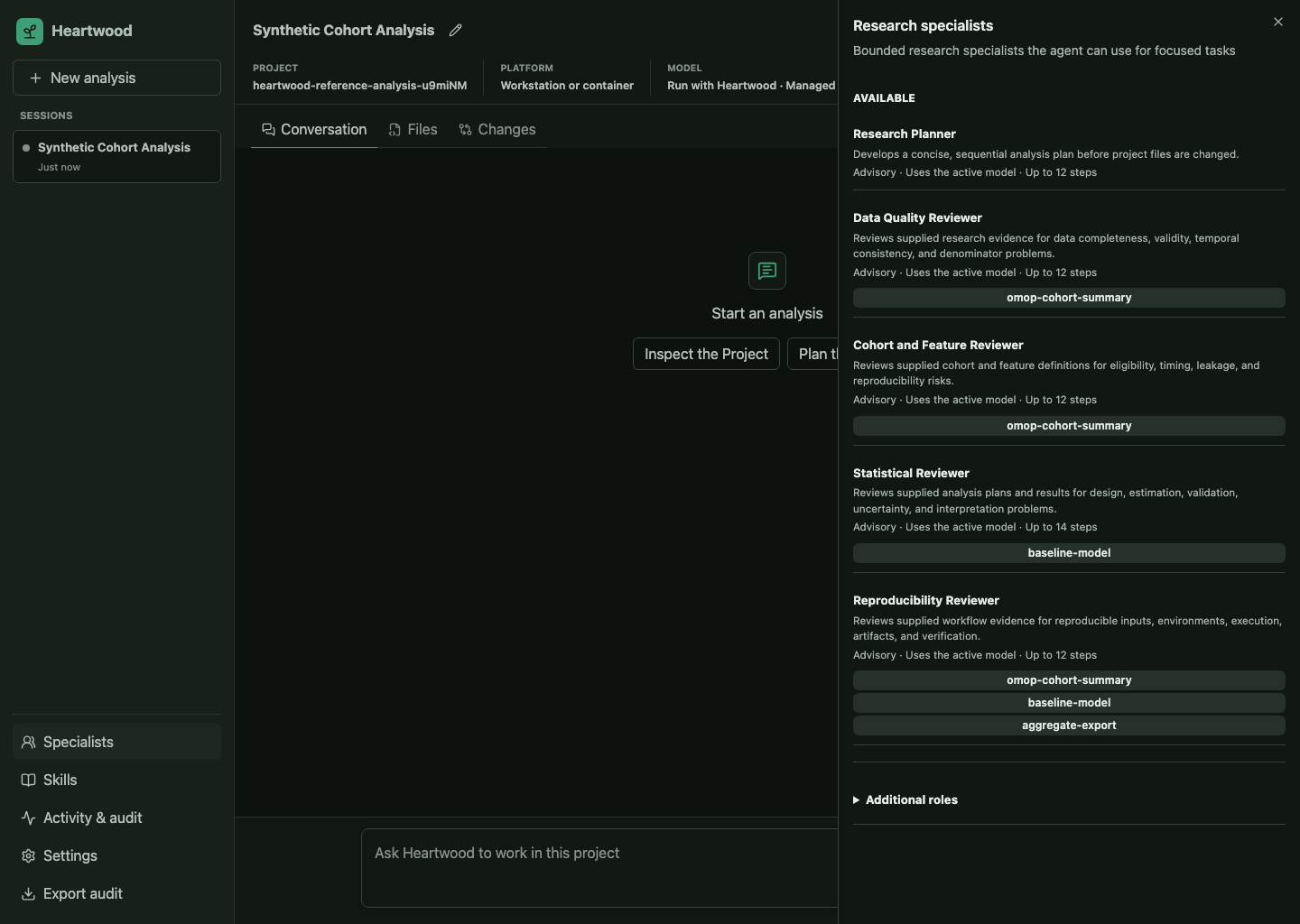
In the browser, open Specialists from the session navigation.
In a notebook, use the shared typed response:
catalog = session.specialist_settings()
[(role["label"], role["availability"]) for role in catalog["specialists"]]
The catalog is the same in all three interfaces. Each role has an explicit model-step limit and usage budget, inherits the active model route, and can use only the verified Skills listed for it.
Current Tool Boundary
The catalog shows Analysis Implementer as unavailable. Tool-enabled child agents require gateway-visible action review and restart-safe recovery, which the supported public OpenHands task interface does not currently provide. Heartwood keeps that role visible in the catalog, but does not register it as an executable OpenHands specialist or give project tools to any available specialist.
Audit exports record minimized specialist lifecycle and usage evidence without delegated instructions or returned prose. The full session projection retains the information needed to review and replay the parent workflow.